What does Axlyne: AI OBD2 Car Scanner do?
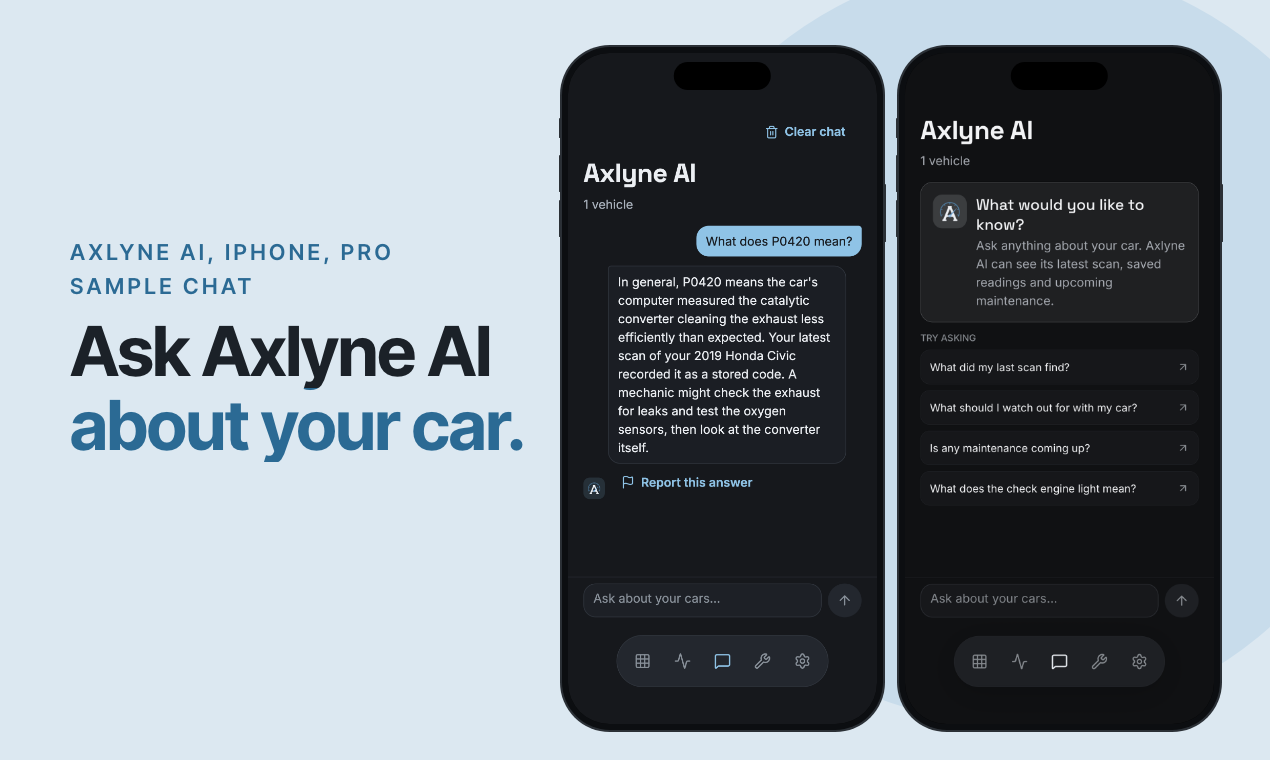
Ask Axlyne AI about your car on iPhone. Get plain-language answers using your saved vehicle details, scans, readings and maintenance reminders. Ask what a scan recorded, what a saved reading means, or what to discuss with a technician.
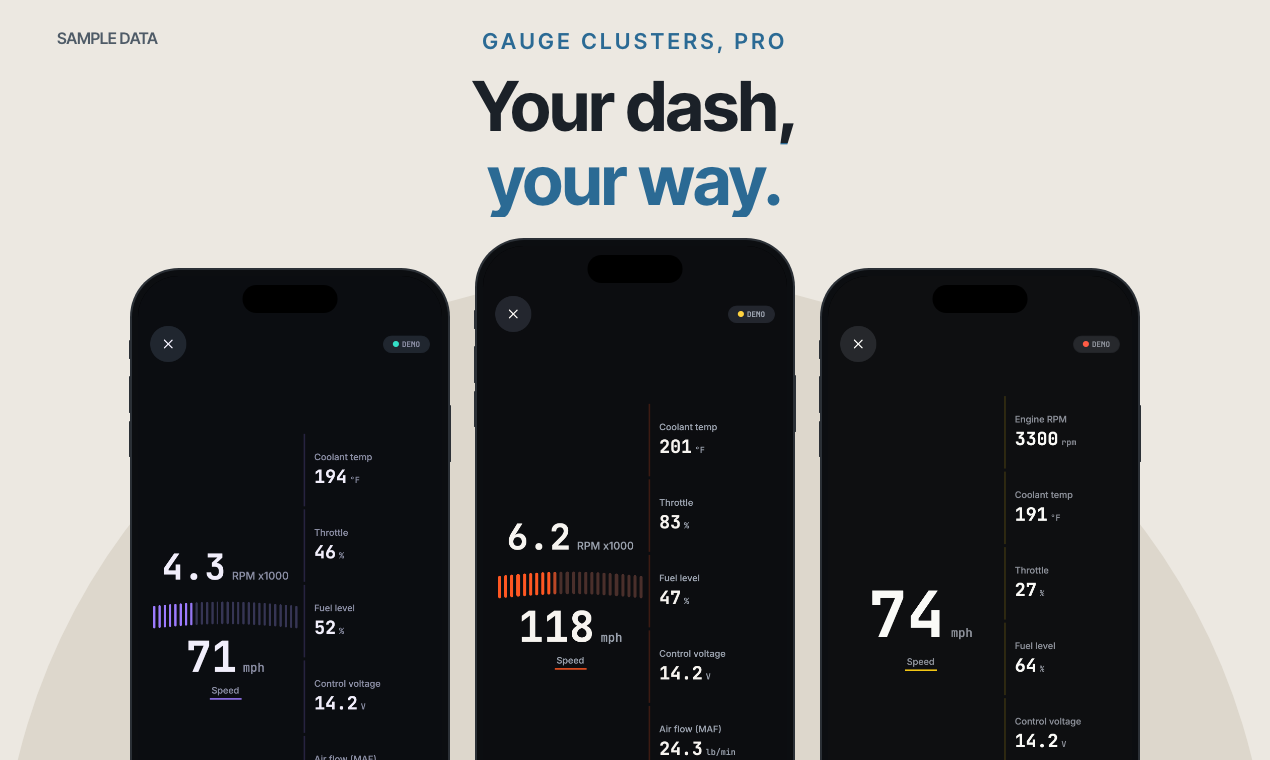
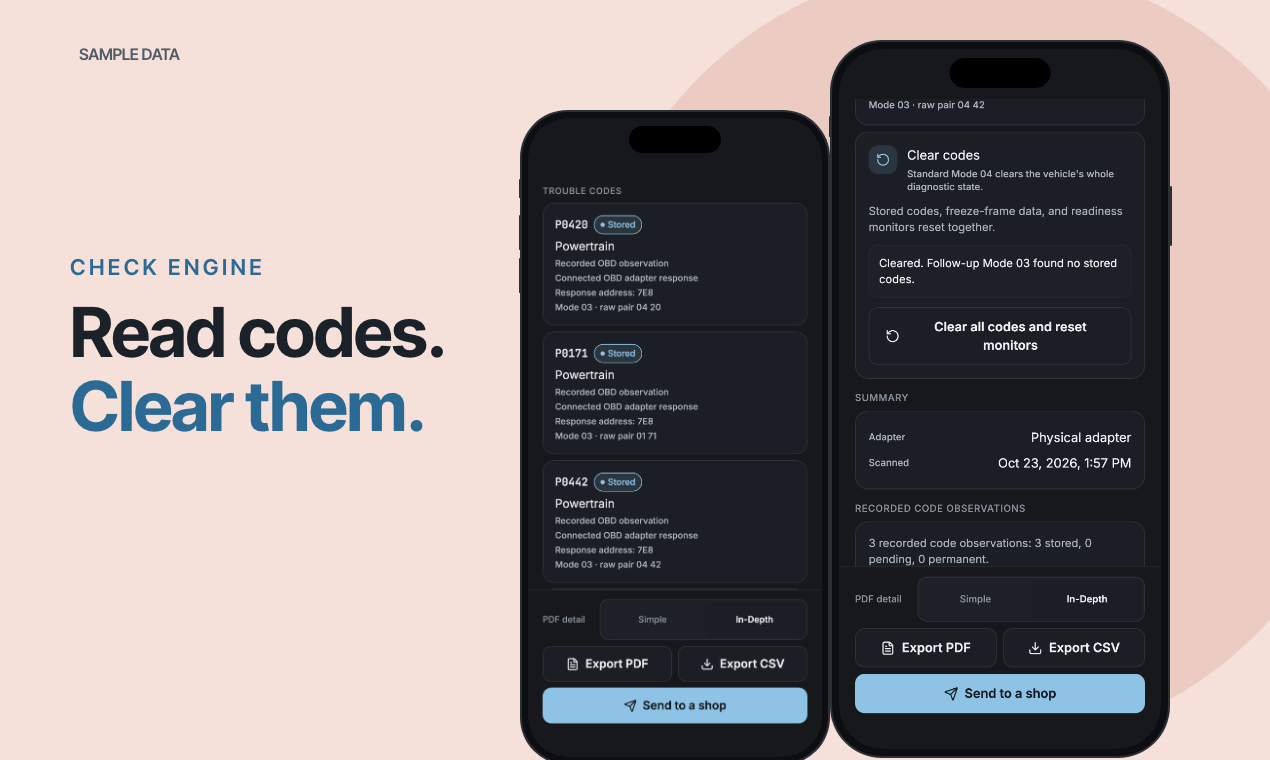
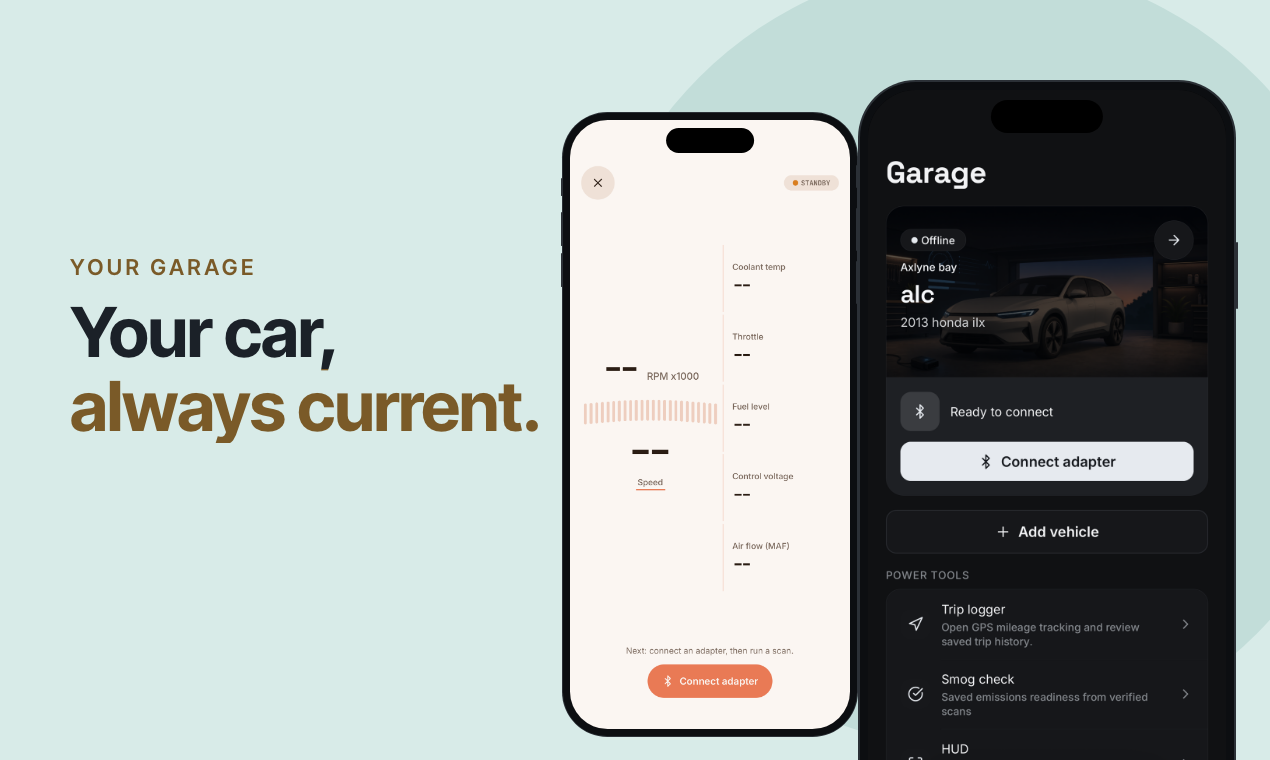
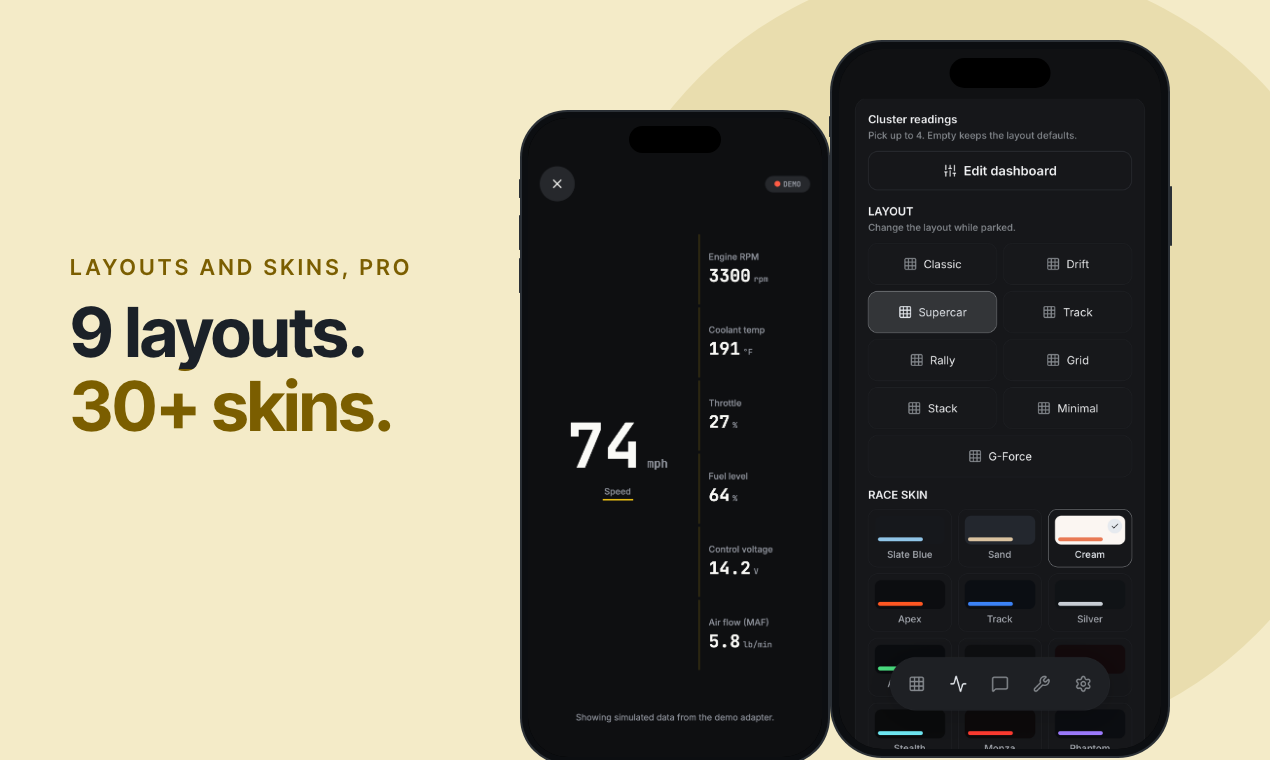
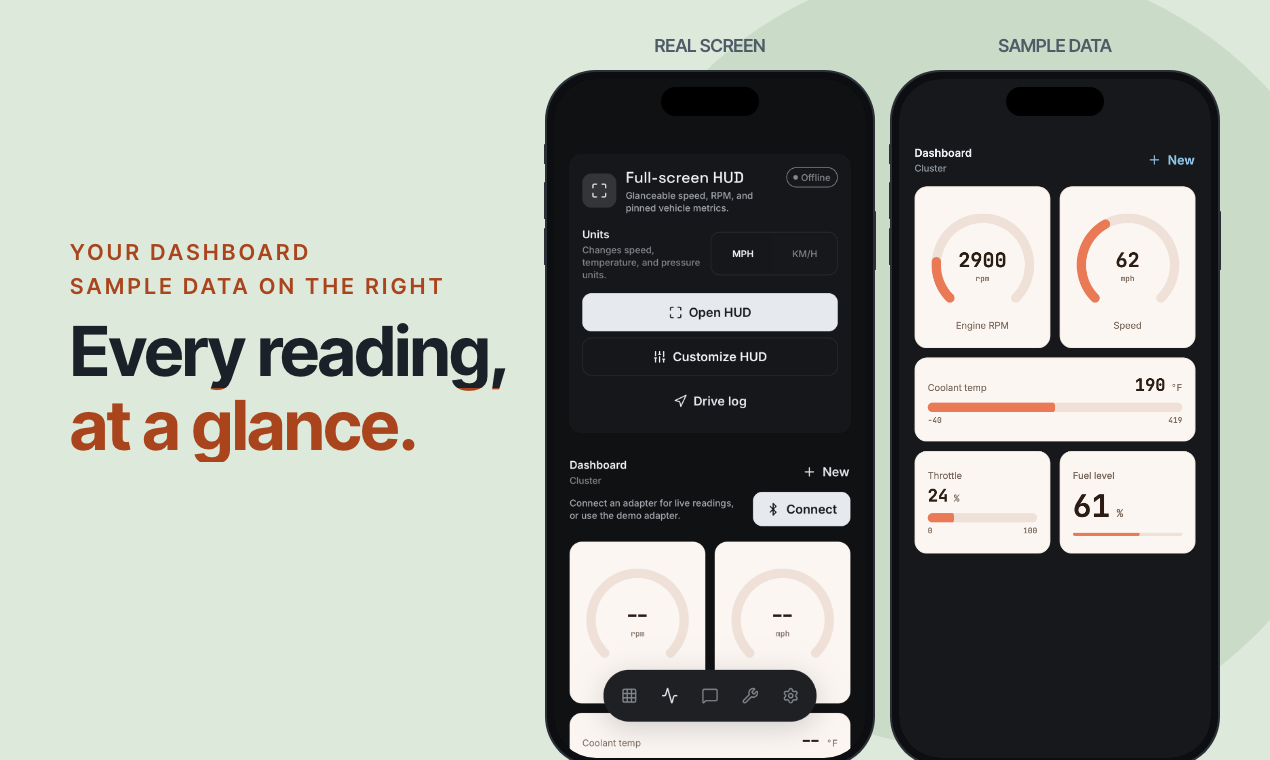
Make the dashboard your own with 9 cluster layouts, 30+ skins, supported live gauges and a full-screen HUD. Read and clear supported standard OBD2 codes. Manage mileage and expenses, with maintenance reminders and PDF/CSV reports on Pro.
AI requires Pro, a registered signed-in account, a saved vehicle, separate session consent, internet and current service availability. Answers may be wrong and don’t replace a mechanic. Android has no AI chat. Classic layout and gauge editing are free; the other layouts and premium skins require Pro. Basic reading and supported standard clearing are free. Clearing does not repair faults or erase permanent codes. Set up and use the app while parked. Compatible ELM327 adapter sold separately.
Who should use Axlyne: AI OBD2 Car Scanner?
Car owners and DIY vehicle enthusiasts are the clearest fit based on how the product is positioned.
Best fit
Pricing: Free / paid plans
Platforms: iOS; Android has no AI chat
How much does Axlyne: AI OBD2 Car Scanner cost?
Free / paid plans Check the provider’s own page for the latest pricing, packages and terms.
Screenshots
Details, pricing and availability can change. We use provider information, verified owner updates and editorial review where available. Check the provider’s own page before making a purchase, booking or important decision.
Profile last updated 25 Oct 2026.
Sign in to leave feedback and earn community points.
Sign in or join