What does DraftDeck do?
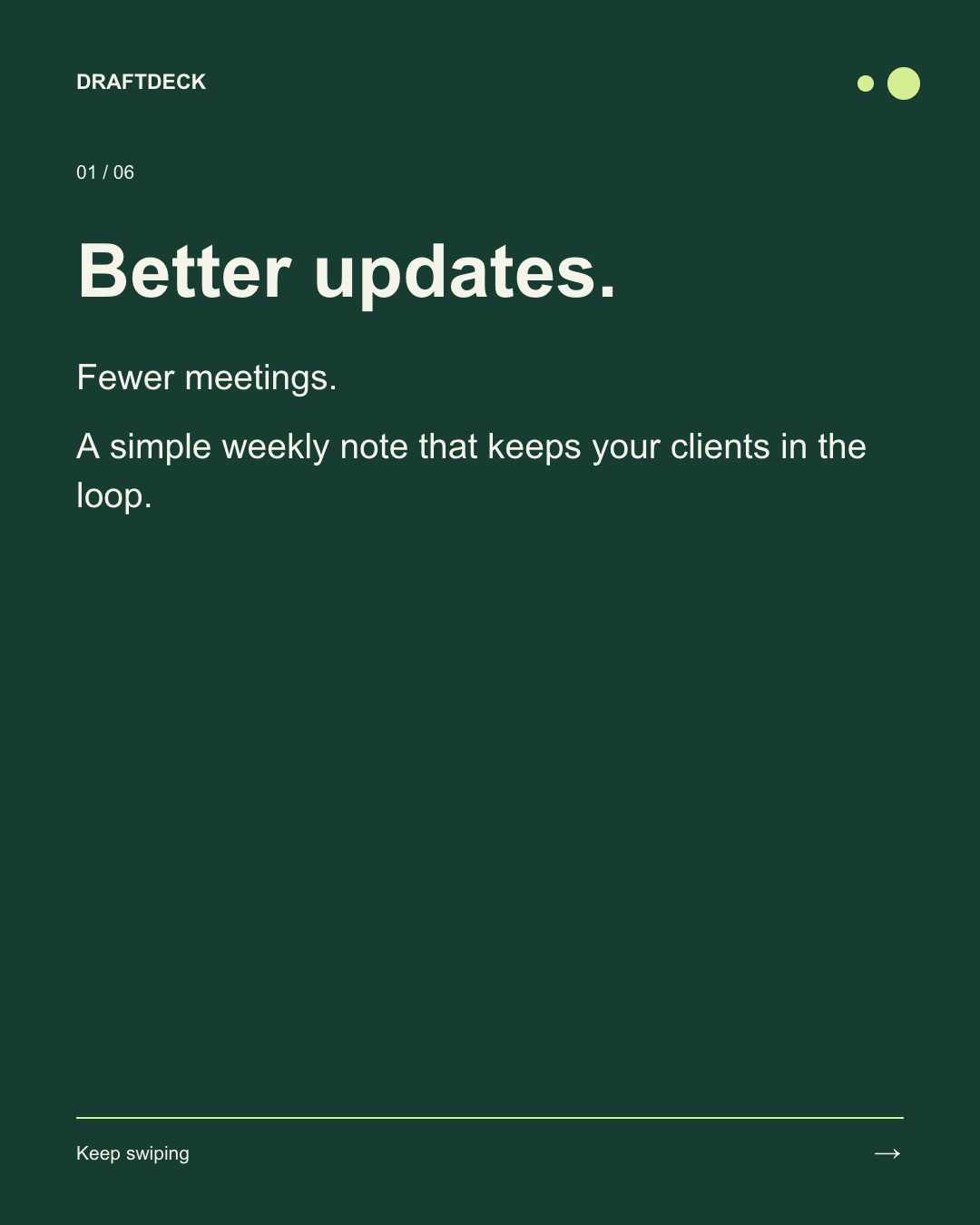
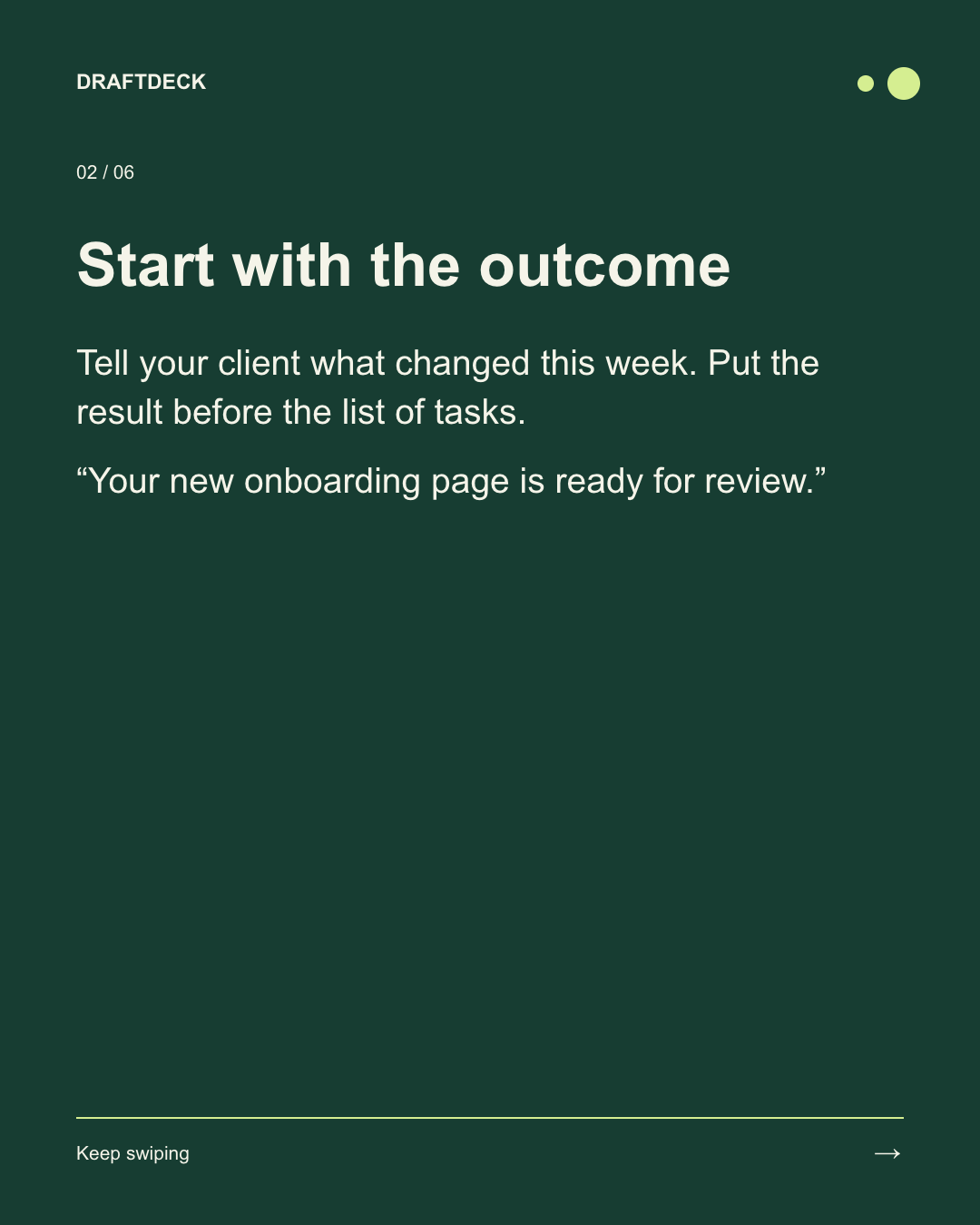
Paste a finished draft or Markdown. DraftDeck uses headings and page breaks to lay it out, then lets you preview each slide, apply your name and colors, and download one PDF for a LinkedIn document post. Your words stay in the browser. The PDF uses image pages, so keep the original text if you need selectable copy.
Try our original six-slide client-update example, with the Markdown source and finished PDF: https://draftdeck.tanfujun.com/examples/client-update
The editor and PDF export are free, with no account or card. Optional Pro ($9/month plus applicable tax) adds reusable local brand presets and batch PNG ZIP export. Submitted by the maker of DraftDeck.
Who should use DraftDeck?
B2B writers, consultants and small content teams with an existing draft are the clearest fit based on how the product is positioned.
Best fit
Pricing: Free / paid plans
Platforms: Web
How much does DraftDeck cost?
Free / paid plans Check the provider’s own page for the latest pricing, packages and terms.
Screenshots
Details, pricing and availability can change. We use provider information, verified owner updates and editorial review where available. Check the provider’s own page before making a purchase, booking or important decision.
Profile last updated 19 Nov 2026.


Sign in to leave feedback and earn community points.
Sign in or join