
What does Glintmake Image to STL do?
Image to STL Converter by Glintmake turns a PNG, JPG or WebP into a binary STL in millimetres, in three modes: relief (brightness becomes height), extrude (anything darker than a threshold is raised to one height, for logos, text and silhouettes) or lithophane (a thin plate that shows the picture when lit from behind). You set the width, raised height, base thickness, threshold and detail, and check a 3D preview before downloading.
Everything runs in the browser with JavaScript: the image is never uploaded and there is no sign-up. It is not an AI tool and it does not make full 3D models from a photo (a picture has no back or sides); it makes reliefs, outlines and lithophanes. The page includes printing tips for lithophanes, reliefs and logos.
Who should use Glintmake Image to STL?
3D-printing hobbyists, logos and lithophanes, makers, people making signs are the clearest fit based on how the product is positioned.
Best fit
Pricing: Free
Platforms: Web
How much does Glintmake Image to STL cost?
Free Check the provider’s own page for the latest pricing, packages and terms.
Screenshots
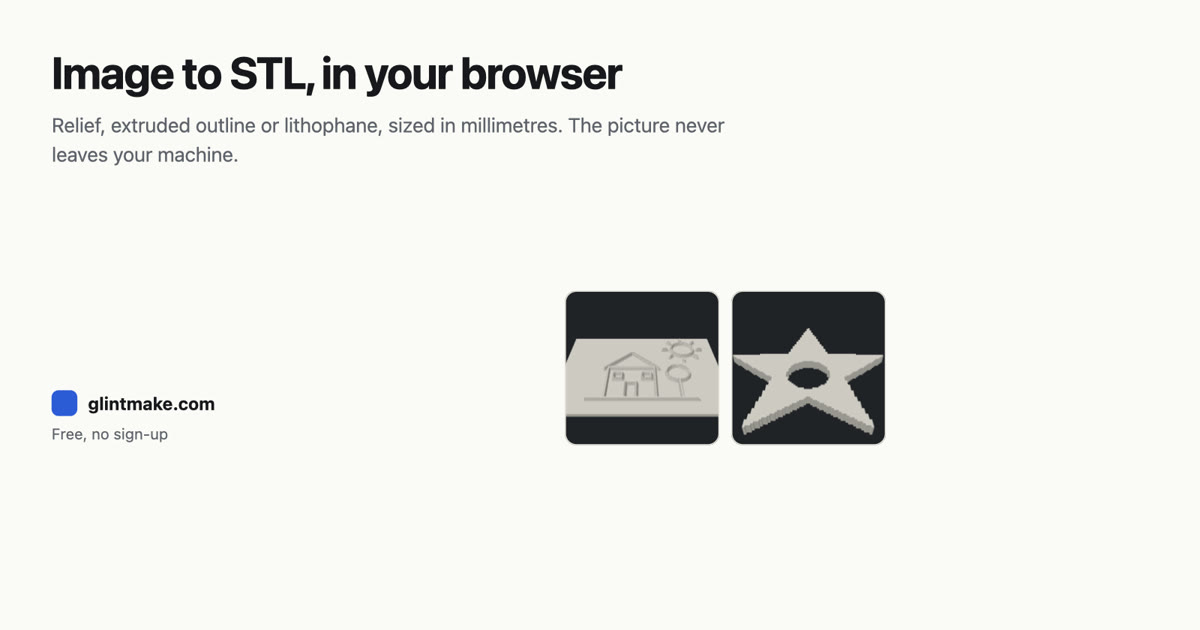
Details, pricing and availability can change. We use provider information, verified owner updates and editorial review where available. Check the provider’s own page before making a purchase, booking or important decision.
Profile last updated 19 Nov 2026.
Sign in to leave feedback and earn community points.
Sign in or join