What does Stunna do?
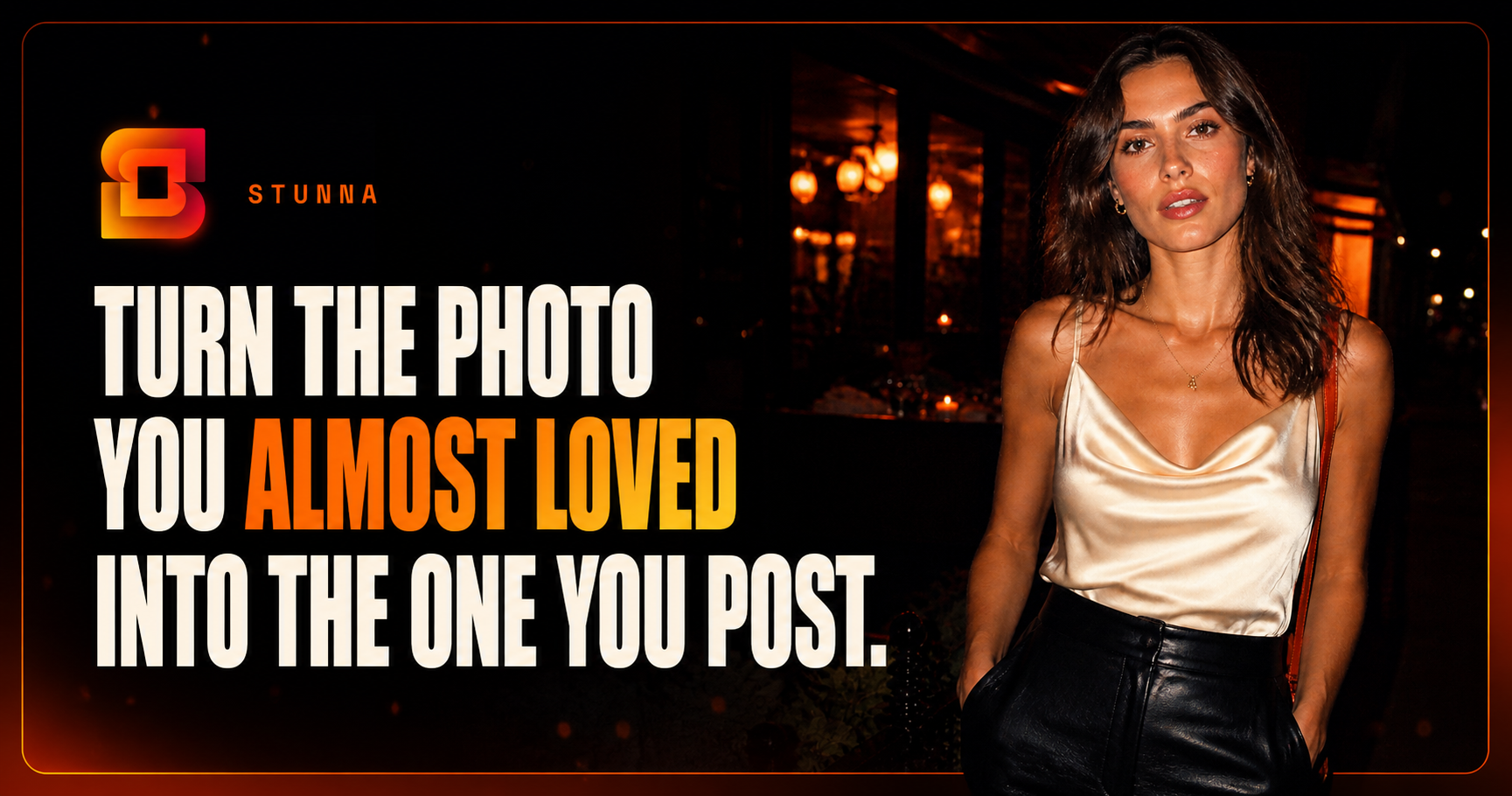
Stunna edits existing photos on iPhone and Android with AI camera-inspired looks, including film, digicam, VHS, direct flash and G7X styles. It also offers lighting edits, pose guides and before-and-after previews. The app is free to download with an optional paid Pro subscription; some features and clean exports require Pro, and AI results vary.
The website also has separate free browser filters, a photo booth and a photo strip maker at https://stunna-app.com/tools. Those web tools process photos on your device, need no signup and add no watermark; they do not use generative AI.
Submitted with AI assistance on behalf of owner Jacob Matuschek, Reelpop Media LLC. Contact: jm@reelpop.co. iPhone: https://apps.apple.com/app/id6780161155 Android: https://play.google.com/store/apps/details?id=com.reelpop.stunna
Who should use Stunna?
Phone photographers and creators who want camera-inspired photo looks are the clearest fit based on how the product is positioned.
Best fit
Pricing: Free / paid plans
Platforms: Android; separate free browser tools on Web, iOS
How much does Stunna cost?
Free / paid plans Check the provider’s own page for the latest pricing, packages and terms.
Screenshots
Details, pricing and availability can change. We use provider information, verified owner updates and editorial review where available. Check the provider’s own page before making a purchase, booking or important decision.
Profile last updated 20 Oct 2026.
Sign in to leave feedback and earn community points.
Sign in or join