
What does Unvibe do?
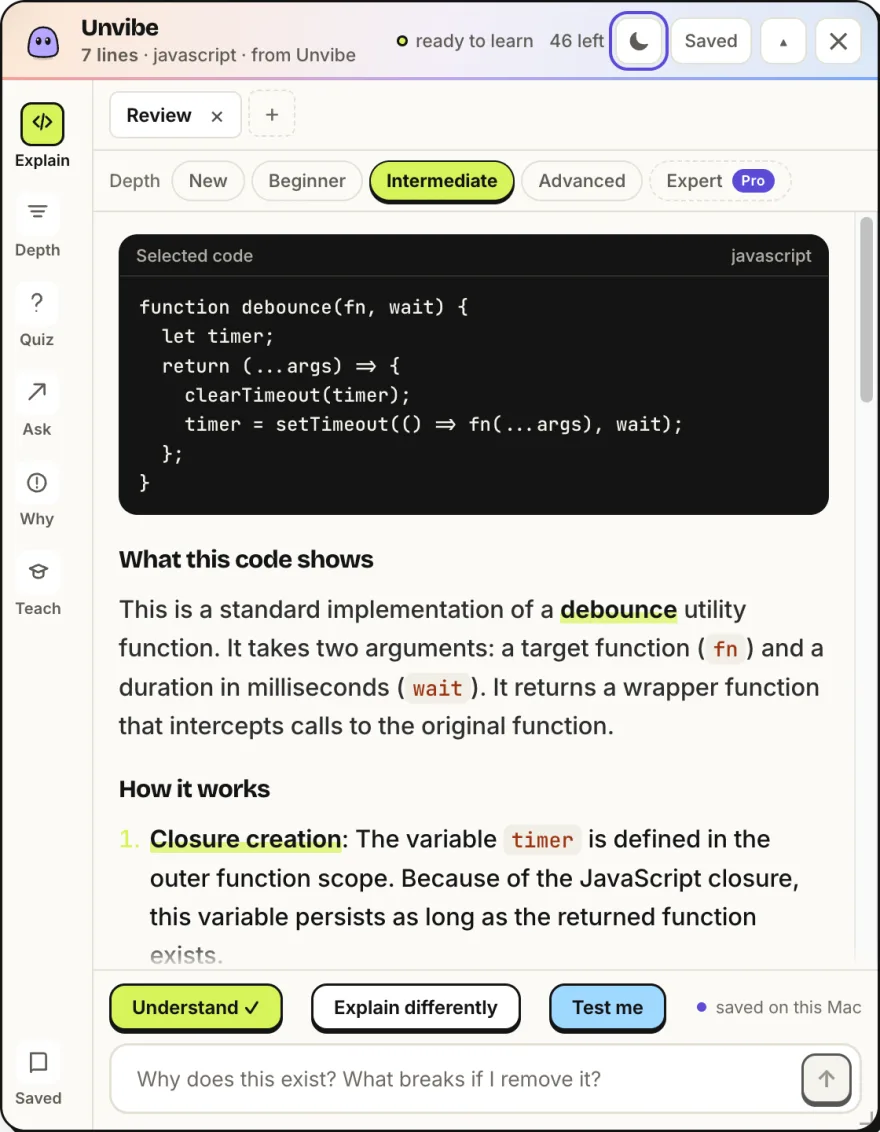
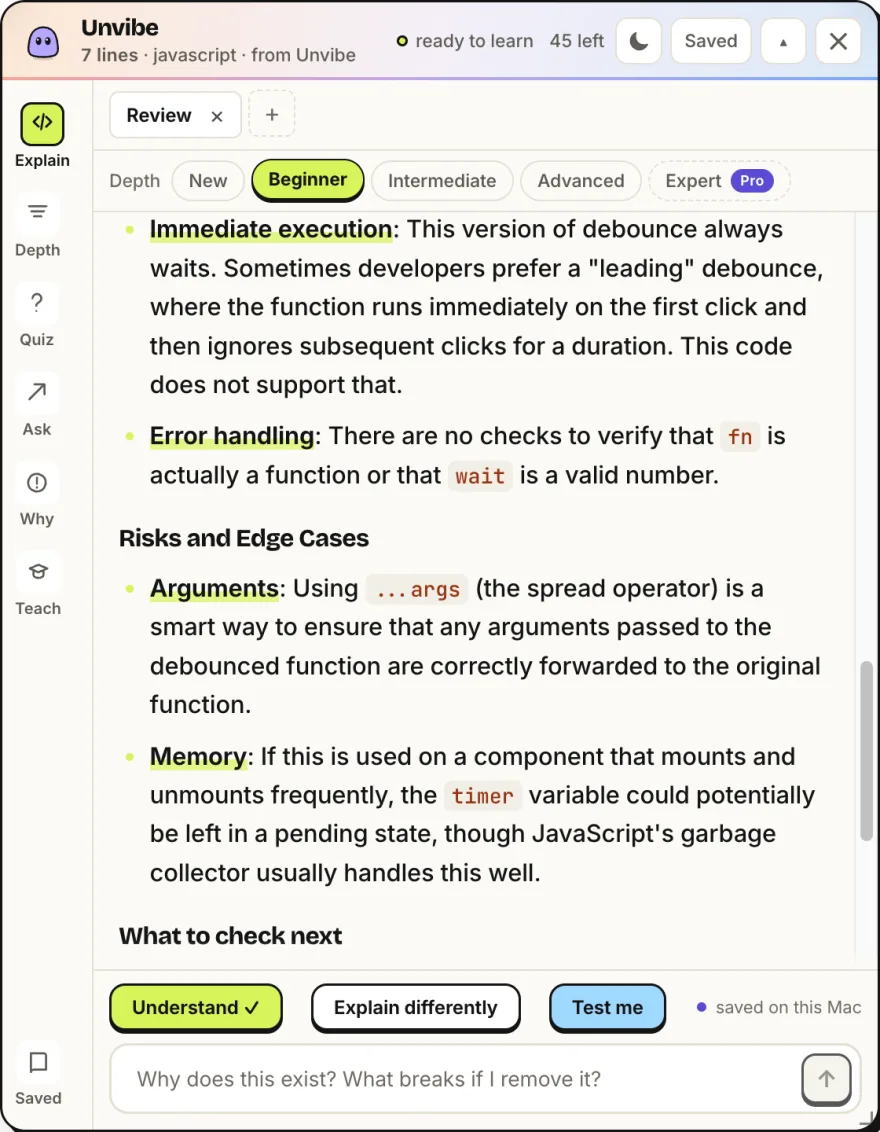
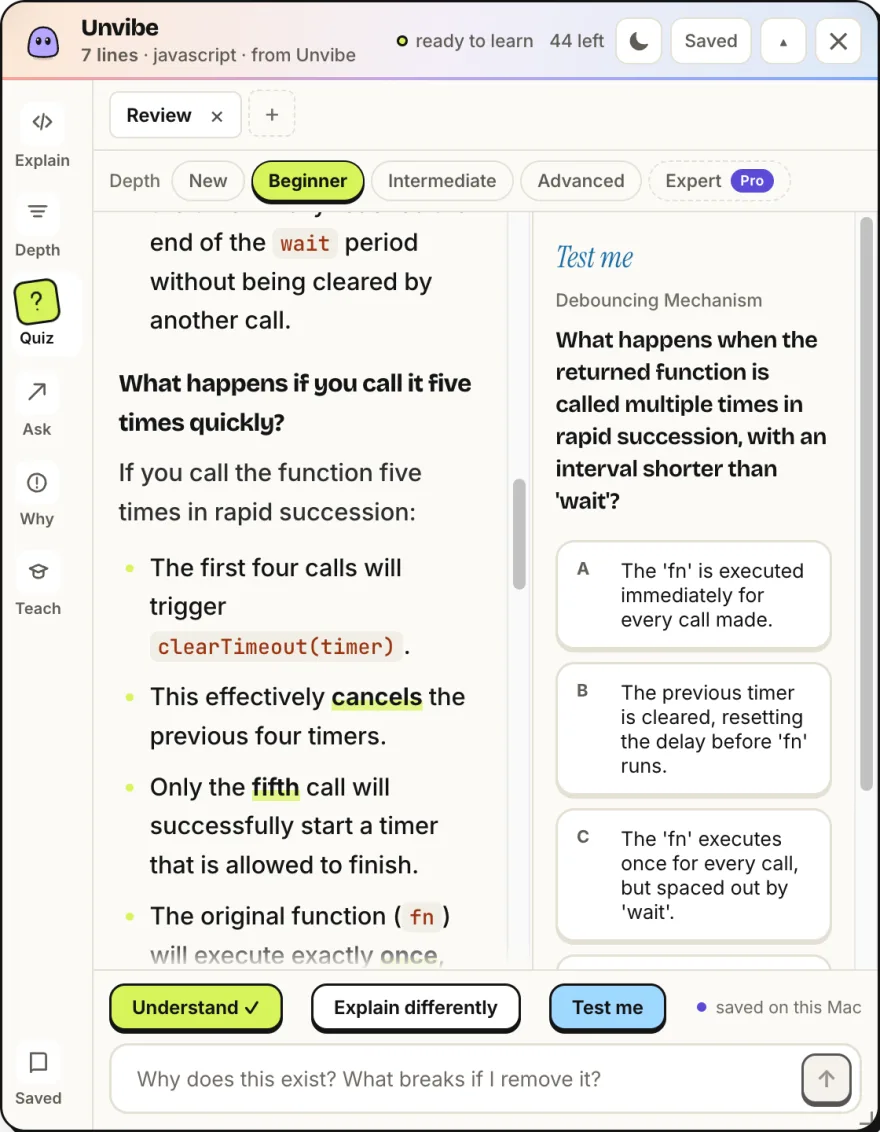
Unvibe is a desktop app for Mac and Windows that explains code in plain English. It is not a web tool: you download it, then select code in any app (Cursor, VS Code, Xcode, Terminal or your browser) and press Control+U on Mac or Ctrl+Alt+U on Windows. The explanation streams into a panel beside your editor.
Choose the depth that fits what you already know: New, Beginner, Intermediate and Advanced are free, and Expert is part of Pro. Type a follow-up question under the explanation, or take Test me, a one-question quiz about the exact code you selected. Saved explanations go to your Library, and Quick Quiz brings old lessons back for review.
It is made for people who build with AI coding tools and want to understand the code before they ship it, and for people learning to code. The free plan has a usage limit and needs no API key or card; Pro and Teams are not on sale yet. Keys and tokens are filtered on your computer before selected code is sent to a cloud AI model, and AI explanations can be wrong, so check important answers against the code. The Mac build is not notarized by Apple yet, so the first open takes an extra step in System Settings (steps at unvibe.site/install-help).
Who should use Unvibe?
Developers, people building with AI coding tools, students learning to code are the clearest fit based on how the product is positioned.
Best fit
Pricing: Free / paid plans
Platforms: macOS, Windows
How much does Unvibe cost?
Free / paid plans Check the provider’s own page for the latest pricing, packages and terms.
Screenshots
Details, pricing and availability can change. We use provider information, verified owner updates and editorial review where available. Check the provider’s own page before making a purchase, booking or important decision.
Profile last updated 30 Oct 2026.


Sign in to leave feedback and earn community points.
Sign in or join