
What does WhitelistVideo do?
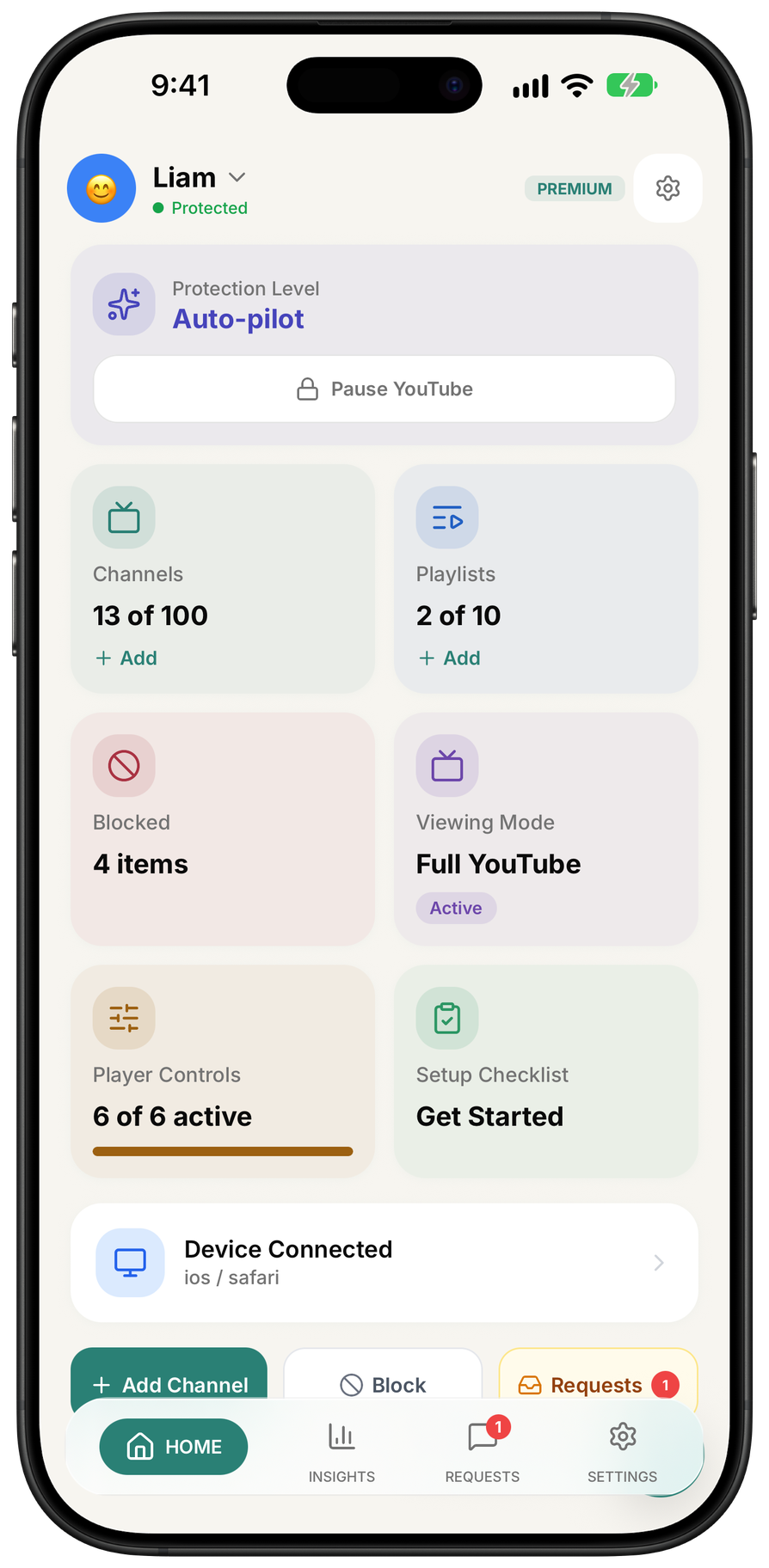
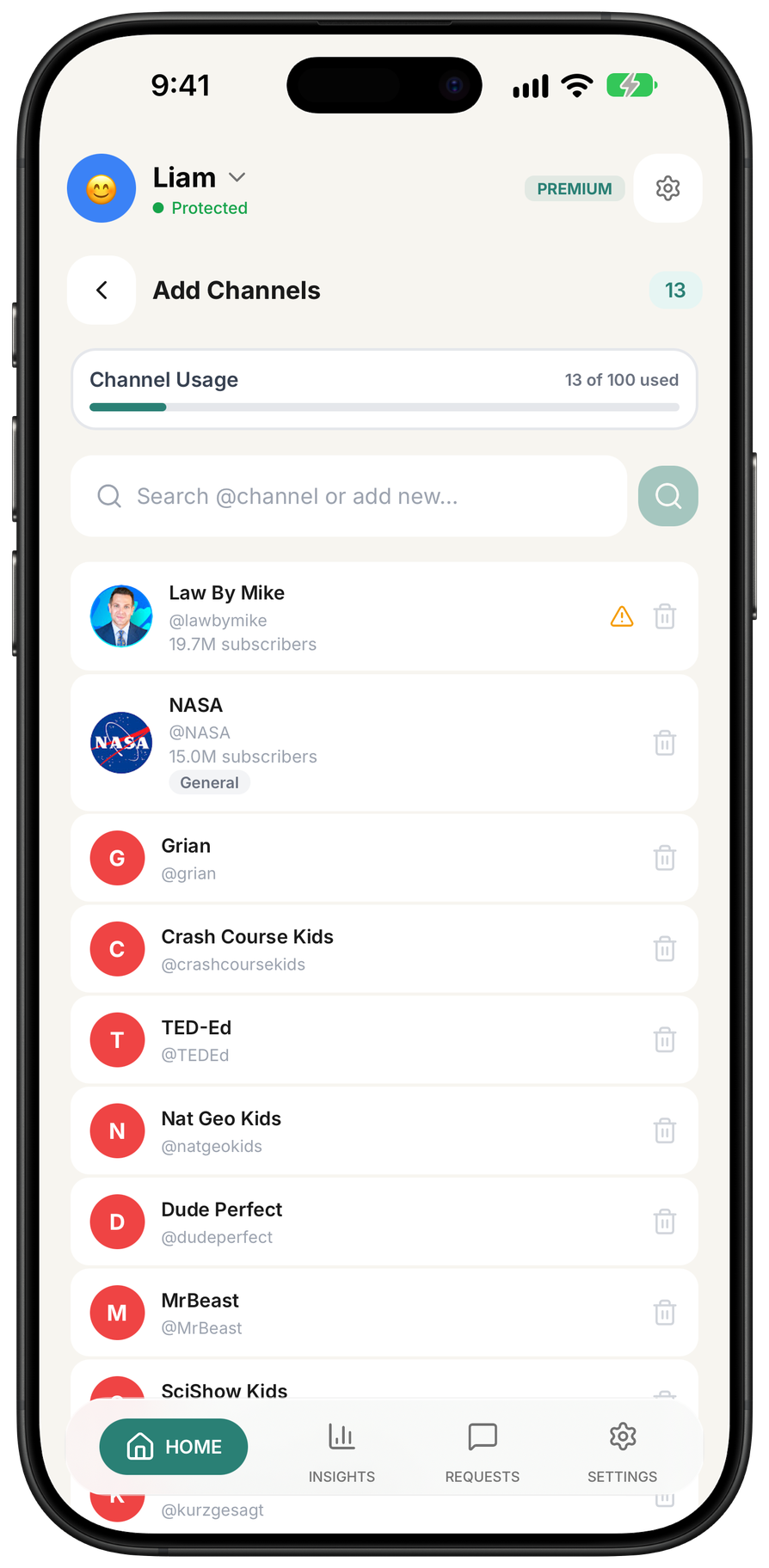
WhitelistVideo is a whitelist-only YouTube parental control for kids ages 8-15 who have outgrown YouTube Kids. It blocks all of YouTube by default and plays only the channels and playlists a parent approves, on real YouTube.
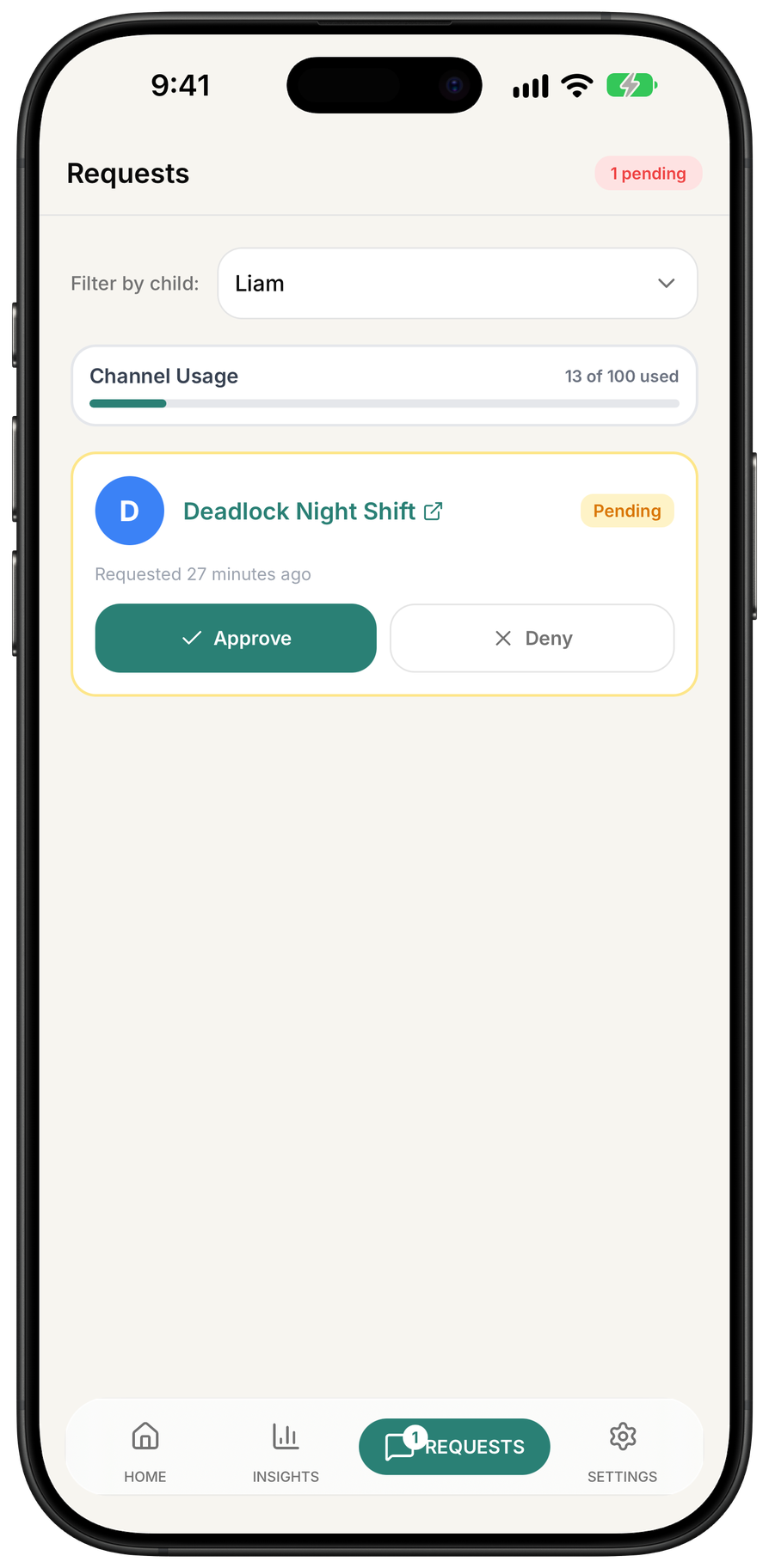
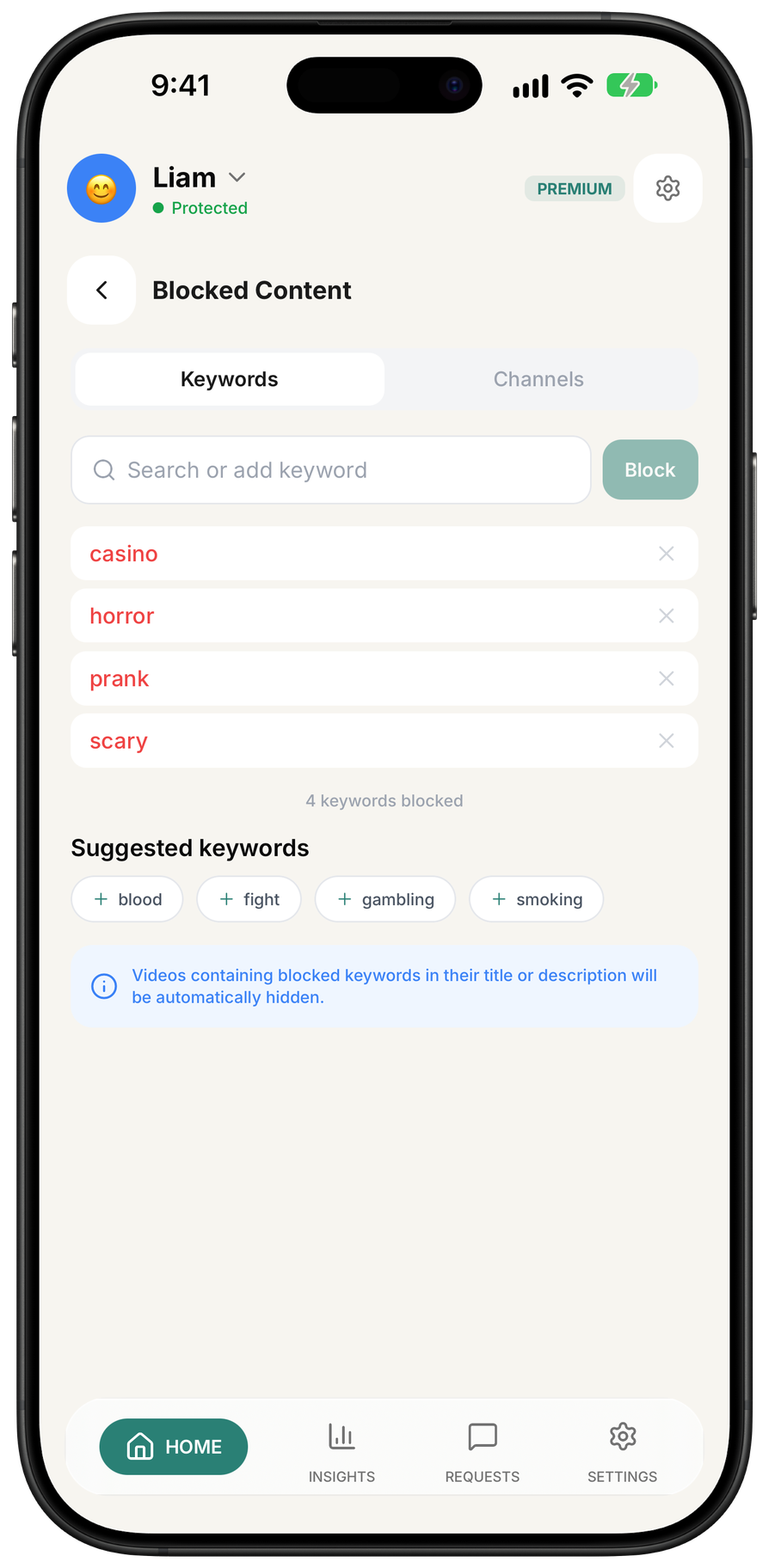
Auto-pilot uses AI to screen every new video from unapproved channels before it plays. WhitelistVideo is the only player that filters based on bad words and religion: parents set profanity and swearing sensitivity levels, and use Religion & Faith categories to choose which faiths videos may teach, such as Christianity, Islam, Hinduism, Atheism. Parents can also show only educational videos by whitelisting approved channels or using Auto-pilot categories like Science, Music, and Art. Kids can request new channels and parents approve from the dashboard, WhatsApp, or Telegram. Shorts and comments are off by default. It works on Windows, Mac, Chromebook, iPhone, iPad, Android, and Android TV, and pairs with Screen Time, Family Link, and Family Safety so it cannot be removed without parent credentials.
Who should use WhitelistVideo?
Parents of children ages 8-15 who have outgrown YouTube Kids; also homeschool families are the clearest fit based on how the product is positioned.
Best fit
Pricing: Paid
Platforms: Android, Android TV / Google TV; Chrome extension; web parent dashboard, Chromebook, iPad, iPhone, Mac, Windows
How much does WhitelistVideo cost?
Paid Check the provider’s own page for the latest pricing, packages and terms.
Screenshots

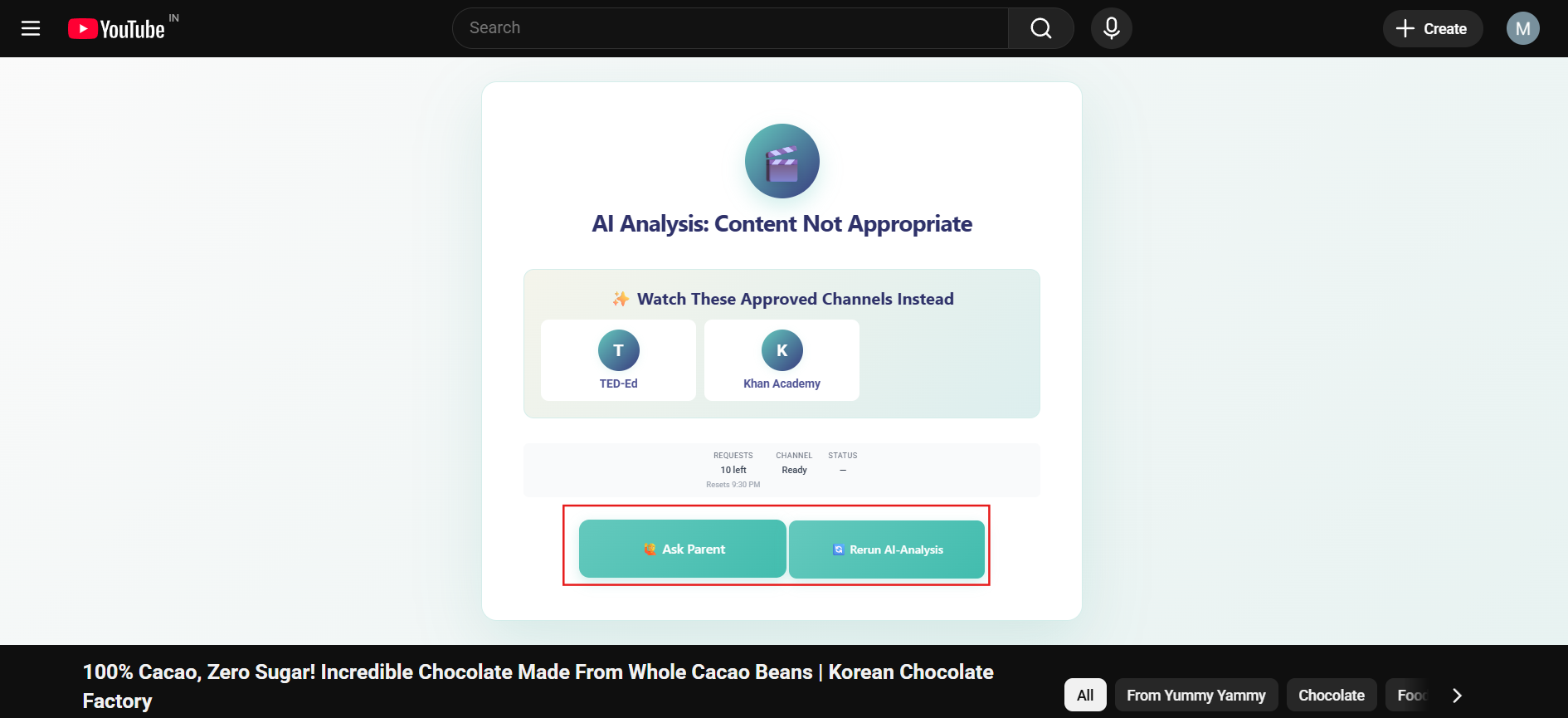
Details, pricing and availability can change. We use provider information, verified owner updates and editorial review where available. Check the provider’s own page before making a purchase, booking or important decision.
Profile last updated 16 Nov 2026.

Sign in to leave feedback and earn community points.
Sign in or join