What does Time Debt: Screen Time do?
Want extra scrolling time without silently discarding your own plan? Time Debt shows what borrowing from tomorrow means before you confirm: ten extra minutes today starts tomorrow ten minutes shorter, within the minimum you choose. Unused borrowed minutes return when you stop early.
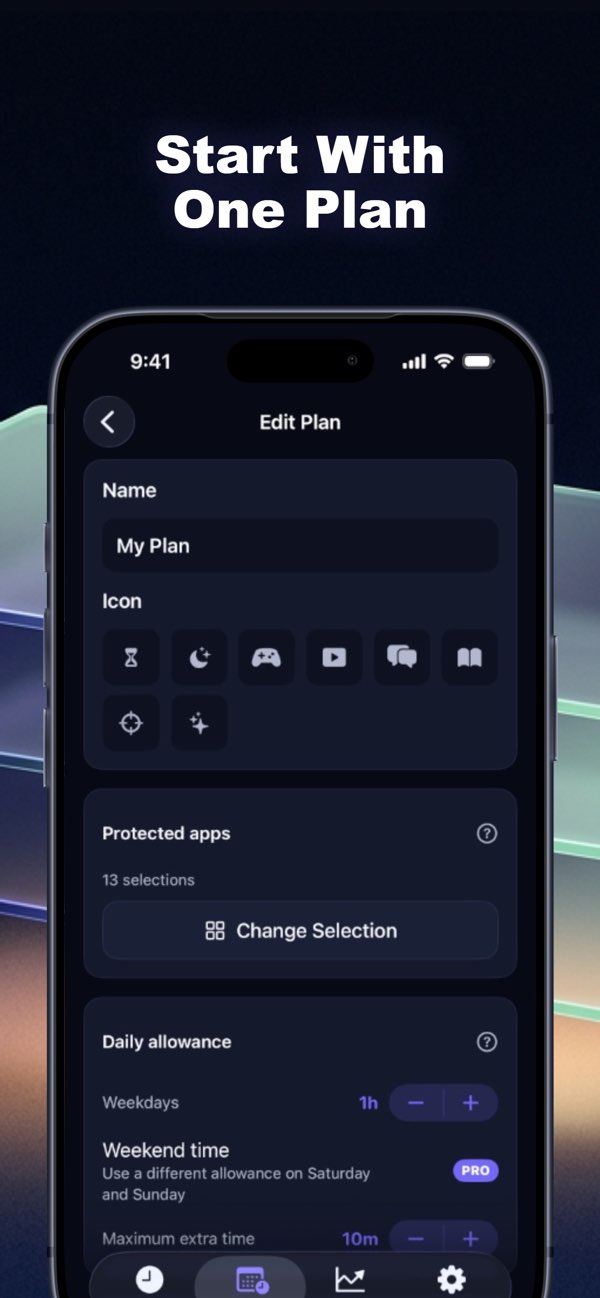
Select apps with Apple’s Screen Time picker and set a realistic allowance. Selected apps are shielded when the allowance runs out. The app keeps borrowing and repayment visible, without interest or compounding. Free Emergency Access can remove its shields until tomorrow.
The core plan includes one full blocking plan, borrowing, automatic repayment and seven-day history. Optional Pro adds multiple plans, custom schedules, longer history and expanded tools; current subscription terms appear before purchase.
First step: make one personal plan and inspect tomorrow’s preview before borrowing.
Publisher disclosure: Honest Little Apps publishes Time Debt.
Who should use Time Debt: Screen Time?
People planning personal weekday and weekend screen-time boundaries are the clearest fit based on how the product is positioned.
Best fit
Pricing: Free / paid plans
Platforms: iOS (iPhone and iPad)
How much does Time Debt: Screen Time cost?
Free / paid plans Check the provider’s own page for the latest pricing, packages and terms.
Screenshots


Details, pricing and availability can change. We use provider information, verified owner updates and editorial review where available. Check the provider’s own page before making a purchase, booking or important decision.
Profile last updated 21 Oct 2026.



Sign in to leave feedback and earn community points.
Sign in or join